Drag your PDF file from Explorer into the browser window or open it via Open in the top bar or the navigation menu (>>).
Use “Highlight”, “Text”, “Draw”, and “Add or edit images” to annotate your PDF.
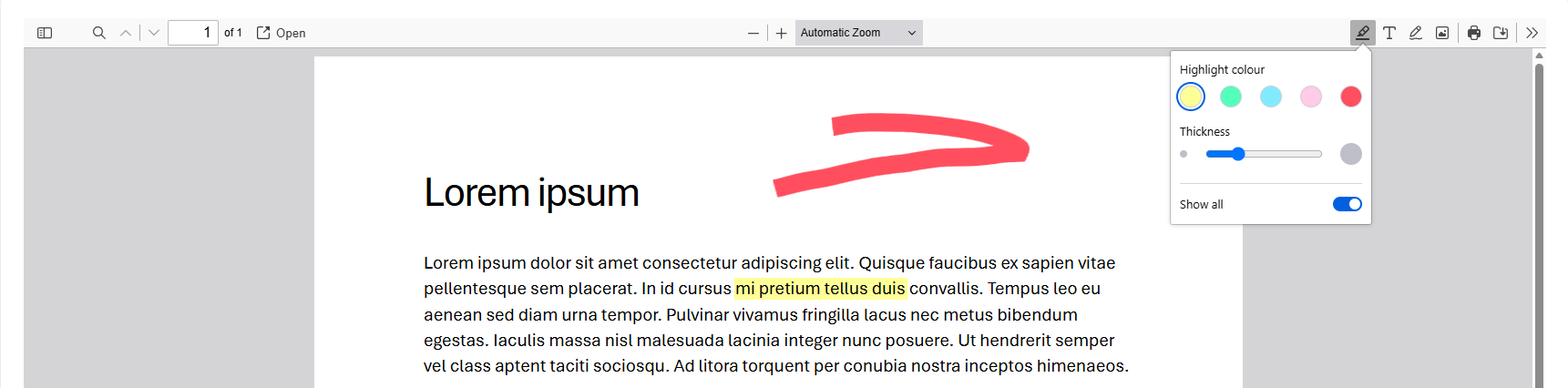
Choose a color.
Drag the pointer over the text you want to highlight.
If it is real text, the highlighter recognizes it. For non-text content, the highlight follows your pointer.
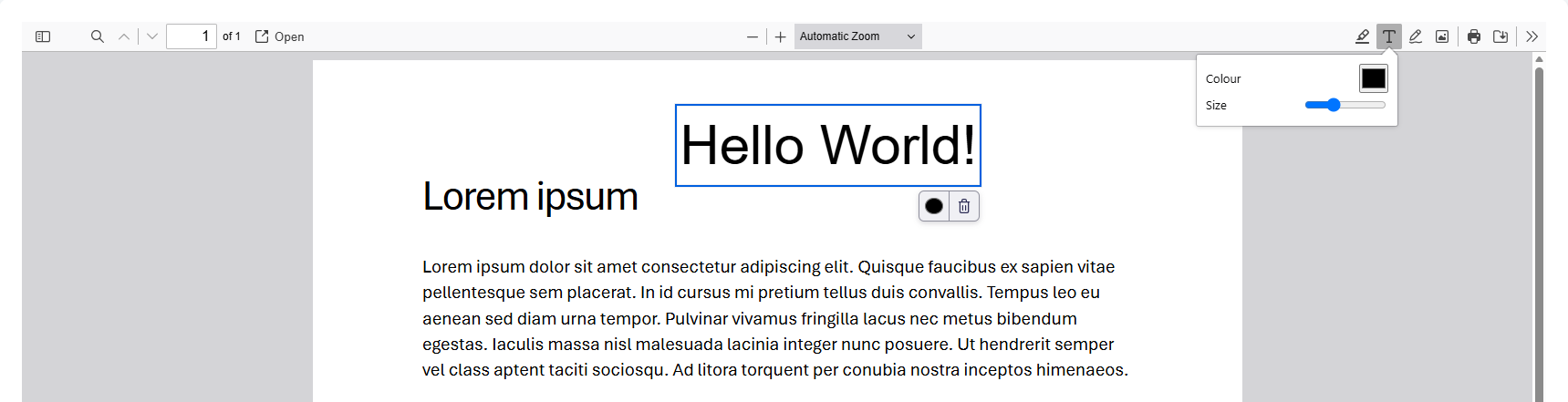
Choose a color and select a size.
Click in your PDF; a text box opens. Start typing.
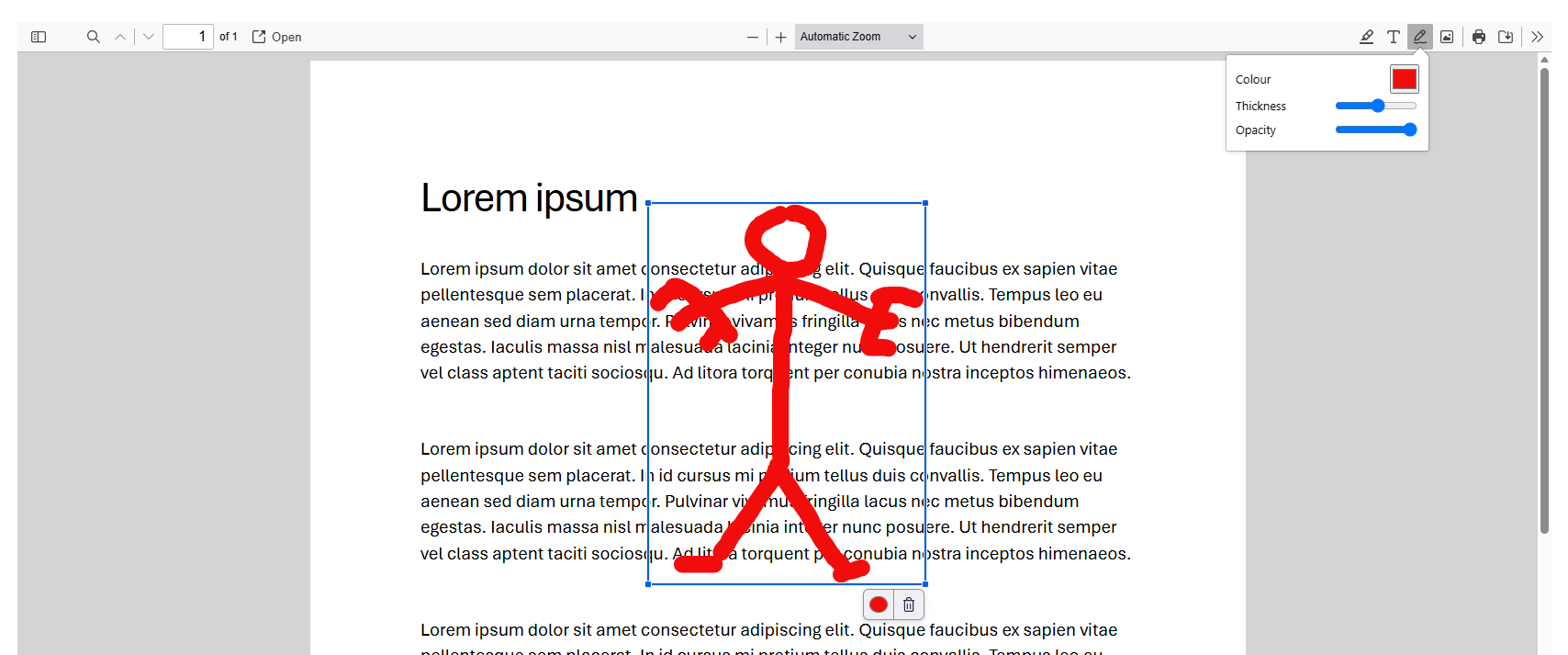
Choose a color, thickness, and opacity.
Start drawing.
Move your drawing to the correct position and resize it if necessary.
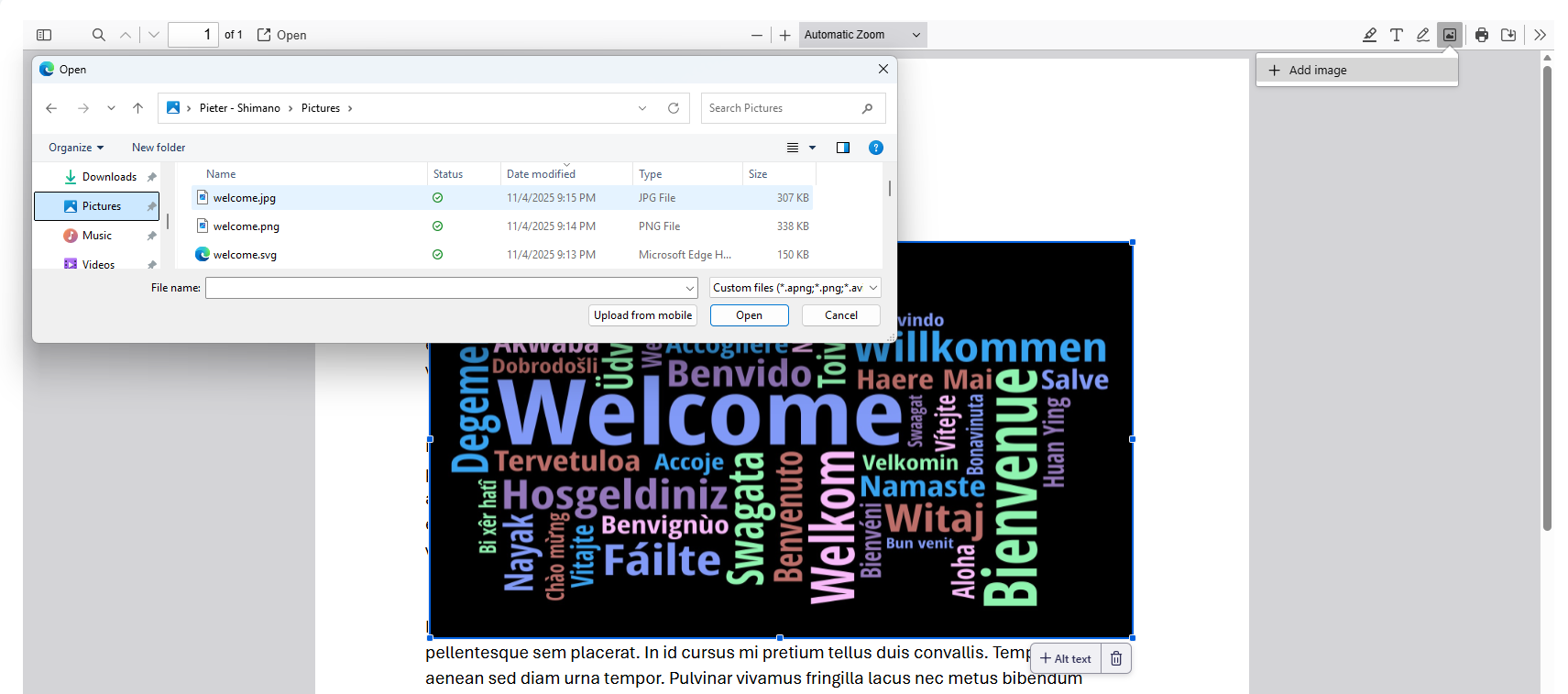
Click + Add image to open a file picker. Select your image file and click “Open”.
You can move the image and resize it if necessary.
For visually impaired users, you can add a description or mark the image as decorative. Use “+ Alt text” in the bottom-right corner.
You can use “Add or edit images” or “Draw” to add your signature to a PDF document.
- Create an image of your signature and save it as a .png file with a transparent background.
- In your open PDF, click Add or edit images and then + Add image. Select your saved signature.
- Drag your signature to the desired location and resize it if necessary.
Print or download your annotated PDF.
You can change the filename; otherwise, the file is saved under the original name.
Downloads are saved in your downloads folder: C:\Users\{Shortcode}\Downloads
Click Select PDFs; your file browser opens. You can select one or more PDF files.
Drag the files if you need to change the order.
Remove a file from the list if needed.
Enter a filename if needed, or keep the default name “merged.pdf”.
Click Merge and download to download the PDF file.
Click Reset to start a new merge.
Downloads are saved in your downloads folder: C:\Users\{Shortcode}\Downloads
Click Select PDFs; your file browser opens. You can select one PDF file.
The filename.pdf and the number of pages is shown.
In Ranges, enter the page number or range you want to extract or split from the original. 1-4 means pages 1, 2, 3, and 4 are extracted as one file. 5 means one page, page 5, is extracted as one file.
Click “Split and download” to download the PDF files.
Click Reset to start a new split.
Downloads are saved as
- If only one range is set: one file with filename_range.pdf
- If more than one range is set: a zip file containing files with filename_range.pdf
Q. Are my PDFs stored on a server?
A. Only the split and merge tools send an uploaded PDF to the server, but it is deleted immediately after download. The annotation tool does not upload any PDF at all. Everything happens in your browser on your computer.
Q. Why can’t I change the language while editing a PDF?
A. Changing the language opens a new session. Nothing is cached in server memory or on your computer.
Q. How can I sign a PDF?
A. You can add your signature with “Annotate PDFs”.